
From “can we…?” to shipped, on one board.
Clients ask in plain words. boardkit turns it into a task your team and its coding agents can build, and tells everyone when it’s live.
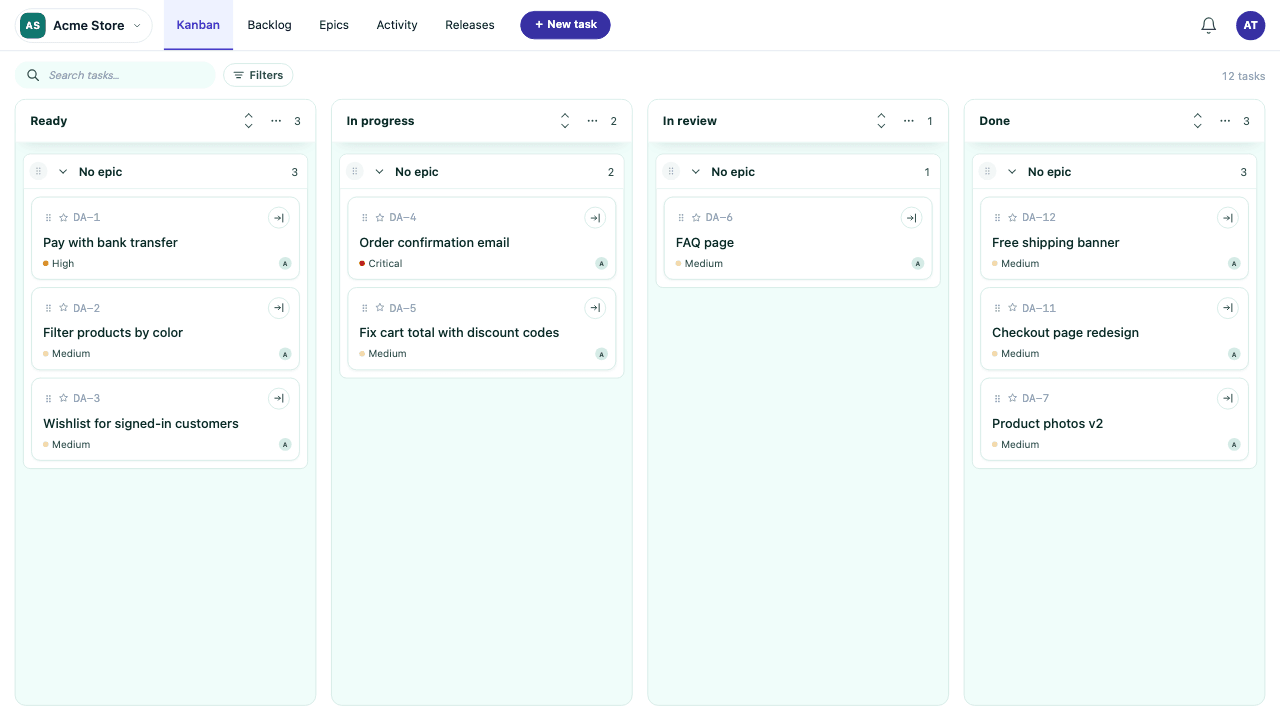
Request accessExample: the card AC-41, Pay with bank transfer, starts in Ready, moves to Released and is marked Live in v1.9.
Write it the way you’d say it
No template to fill in. Describe what you need, drop in a screenshot, point at the screen it’s about. The interview asks only what’s missing until the request is clear enough to build.
Example: a client writes that customers keep asking to pay by bank transfer at checkout, attaches a competitor screenshot and references the Checkout screen. The interview asks whether the order should wait until the transfer clears, and shows 3 of 5 things the request needs as done: title, scope and code context.
How a task travels
Every request takes the same four steps, and everyone can see which one it’s on.
- Shown at checkout in Colombia
- Order held until paid
- Receipt by email
Release v1.9 lists it by name, so Ana knows it’s done without asking.
Agents work the board like people do
Give Claude or Codex a key for one project. They read the task, ask when it’s unclear, open the PR and move the card, and every step lands in the card’s history.
- Ana asked for bank transfers
- The interview drafted 3 criteria
- Claude asked “Which bank list?”
- Claude opened PR #88
- Ana approved the preview
- Shipped in v1.9
Every project’s board, one switch away
Connect each project once with the account you already use there. Switch boards with ⌘K. Each board keeps its project’s look, and clients only ever see their own.
Put your project on the board
boardkit is in private beta. Fill in a card and we’ll set up your board.